10 Silverglade Business Park, Leatherhead Road, Chessington, Surrey, KT9 2QL
(+44) 20 3800 0448






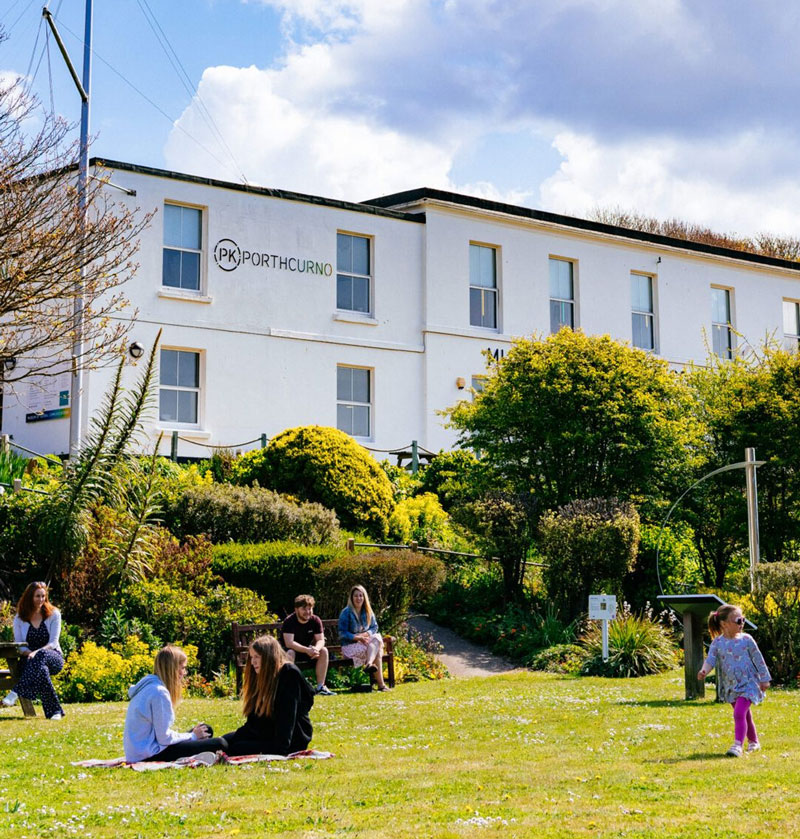
Set in a Cornish valley beside one of the UK’s most picturesque beaches, PK Porthcurno Museum of Global Communications tells the story of how the world connects. From the first undersea telegraph cable landing here in 1870 to today’s fibre optic networks carrying almost all global communications, the museum celebrates the ingenuity that shaped our interconnected world. It shows how a once-remote village became the heart of worldwide communications, and how it continues to play a vital role today.


Each contribution helps safeguard the museum’s unique collections and historic listed buildings, ensuring that the pioneering story of global communications is preserved for the future. Your support also sustains new exhibitions and events, inspires schoolchildren and lifelong learners through dedicated education programmes, and helps the museum share Cornwall’s remarkable role in shaping the modern connected world. In giving your devices a new life, you are helping PK Porthcurno continue its mission to connect people with the past, present and future of communications.


For example:
iPhone 5 / Sony Xperia Z3
Galaxy A3 / Galaxy S5
Value: £0*
*Sent for responsible and safe recycling.

For example:
iPhone 7 / iPhone 8
Galaxy S7 / Galaxy S8
Value: £10-£50†
†Depending on condition of device.

For example:
iPhone XR / iPhone XS
Galaxy S9 / Galaxy S10
Value: £35-£100†
†Depending on condition of device.

For example:
iPhone 12 / iPhone 13 Pro Max
Galaxy S20 / Galaxy S10
Value: £50-£500†
†Depending on condition of device.
For example:
iPhone 5 / Sony Xperia Z3
Galaxy A3 / Galaxy S5
Value: £0*
*Sent for responsible and safe recycling.
For example:
iPhone 7 / iPhone 8
Galaxy S7 / Galaxy S8
Value: £10-£50†
†Depending on condition of device.
For example:
iPhone XR / iPhone XS
Galaxy S9 / Galaxy S10
Value: £35-£100†
†Depending on condition of device.
For example:
iPhone 12 / iPhone 13 Pro Max
Galaxy S20 / Galaxy S10
Value: £50-£500†
†Depending on condition of device.


Search your drawers and cupboards to collect unused mobile phones, tablets and mobile accessories. If you wish to participate as a business or local community group, please contact us and we can arrange for a local collection.

For your security, remove any personal information and PINs from the device. Don’t worry if you are not able to do this, if the device has no charge, we can do this for you. Click here to find out more about how to remove your data from your device.

To complete your donation, simply post your devices to Relove Technology, 10 Silverglade Business Park, Leatherhead Road, Chessington, KT9 2QL. Our team will ensure they are reloved and prepared for a second life. Thank you for making a difference!
Search your drawers and cupboards to collect unused mobile phones, tablets and mobile accessories. If you wish to participate as a business or local community group, please contact us and we can arrange for a local collection.
For your security, remove any personal information and PINs from the device. Don’t worry if you are not able to do this, if the device has no charge, we can do this for you. Click here to find out more about how to remove your data from your device.
To complete your donation, simply post your devices to:
Freepost RUGJ-LUKK_XZBZ
PK Porthcurno Donation
C/O Relove Technology,
10 Silverglade Business Park,
Leatherhead Road, Chessington,
KT9 2QL.
Our team will ensure they are reloved and prepared for a second life. Thank you for making a difference!


We use state of the art technology and industry leading Blackbelt data removal software that enables us to wipe all data from smart devices and laptops – ensuring that customer data, including business and personal information has been completely destroyed. This process also helps to avoid any need for unnecessary destruction of a device, allowing them to live on and be reloved by new users all over the world.
Blackbelt’s date wipe solution is industry approved, highly accredited with a global presence and UK based support.

All donated devices will be cleaned and recovered in an environmentally friendly way to be used again as a refurbished handset for resale or stripped for parts depending on the condition.
Devices we receive which do not power on or arrive to us beyond economic repair will be harvested for parts for use in the recovery of other devices or sent to be be ethically recycled at an Approved Authorised Treatment Facility (AATF).
We work with organisations such as the Environment Agency and The EU Eco-Management and Audit Scheme (EMAS) to ensure we are fully accredited and regularly audited for responsible recycling practise.
Click here to find out more about environmental and data compliance from Relove Technology.
We securely remove your personal data from your device, but you can help us by preparing the phone or tablet for recycling by checking with your network to see if you need to unlock your phone. You can find out how by clicking on your network providers logo below:





Please note that your device will not be giftable should it be linked to a cloud account (iCloud or Google) as we will be unable to unlock it. You’ll need to ensure that you remove any or these accounts from your device. If you are unsure how to do this, simply follow the instructions below.
Please note that your device will not be giftable should it be linked to a cloud account (iCloud or Google) as we will be unable to unlock it. You’ll need to ensure that you remove any or these accounts from your device. If you are unsure how to do this, simply follow the instructions below.
1. If you paired an Apple Watch with your iPhone, unpair your Apple Watch.
2. Back up your device.
3. Remove the SIM if there is one.
4. Remove your Apple account.
5. Wipe your device Go back to Settings and tap General > Reset > Erase All Content and Settings.
6. If you turned on Find My iPhone, you might need to enter your Apple ID and password.
7. If asked for your device passcode or Restrictions passcode, enter it. Then tap Erase.
1. Log into iCloud.com
2. Select Find My iPhone > find your device and Erase > Remove from Account
Click this link for official Apple instructions on what to do before you sell, give away or trade in your iPhone.
1. From Settings, swipe to and tap Accounts and backup.
2. Tap Manage accounts, and then select your Samsung account.
3. Tap Remove account, and then tap Remove account on the popup.
4. Tap Sign out. Enter your Samsung account password, and then tap OK.
Just like with a Samsung account, you can remove your Google account as well. The steps are similar, and the process is just as easy.
1. From Settings, swipe to and tap Accounts and backup.
2. Tap Manage accounts, and then select your Google account.
3. Tap Remove account, and then tap Remove account again to confirm.
4. If you have Google device protection features enabled, you may be asked to verify your identity before you can fully log out of your account.
Click this link for official instructions on how to remove your Samsung account, Google account and/or other account from your Samsung Galaxy device.
1. Make sure any data you need is backed up, including contacts.
2. Open your phone’s Settings app.
3.Tap Passwords and accounts. If you don’t see ‘Accounts’, tap Users and accounts.
4. Under ‘Accounts for’, tap the account that you want to remove And then Remove account.
5. To confirm, tap Remove account And then OK.
6. If this is the only Google Account on the phone, you’ll need to enter your phone’s pattern, PIN or password for security.
1. Sign into Google Accounts.
2. Under Sign-in & security > Device activity & security events > REVIEW DEVICES.
3. Select device > click REMOVE.
Click this link for official instructions on how to remove a Google or other account from your Android device – Scroll down the page to ‘Remove a Google or other account from your phone’.